Safety & Security · 26 Oct 2026 · 13:00 CET
What Are Computer-Using Agents? How AI Sees, Clicks, Types, and Navigates Software
Publisher preview · OZZZER analysis pending editorial review.
PUBLISHER ARTICLE PREVIEW
From the original article
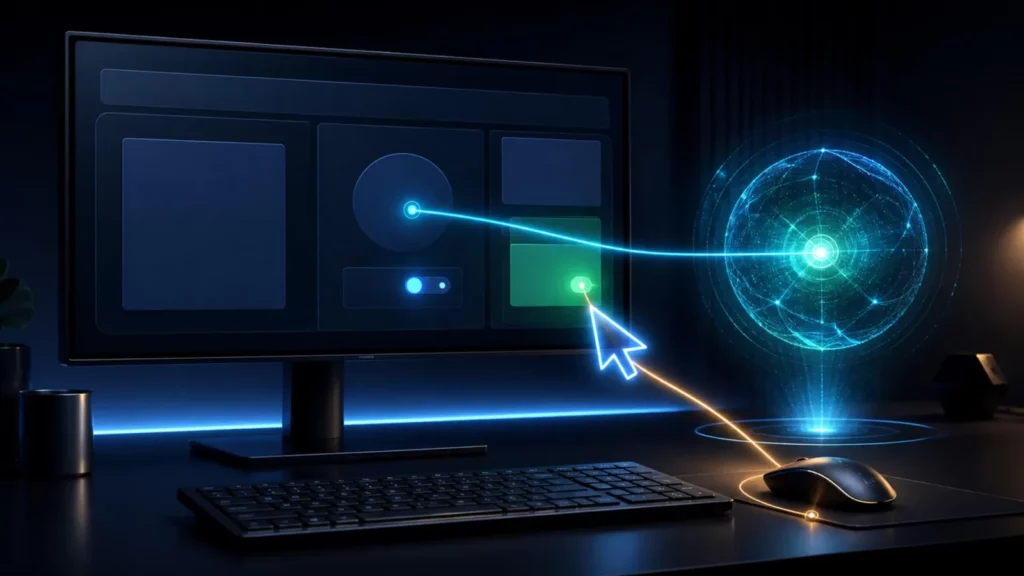
Computer-using agents operate software through screens, cursors, and keyboards much like people do. That generality is powerful, but visual uncertainty, long task horizons, and broad permissions make careful controls essential.
Computer-using agents are AI systems that can perceive a software interface and operate it through actions such as clicking, typing, scrolling, dragging, and keyboard shortcuts. Instead of requiring a dedicated API for every application, they work through many of the same visual interfaces people use.
This ability gives agents broad reach across legacy software, websites, and desktop applications. It also introduces unusual risk. A small visual misunderstanding can redirect a long task, and interface access may expose everything the signed-in user can see or change.
Much of the world’s important software was designed for people, not agents. An application may have no public API, expose only part of its functionality programmatically, or require work across several interfaces.
Traditional robotic process automation can operate user interfaces, but it usually depends on predefined selectors and workflows. A computer-using agent adds a model that can interpret unfamiliar screens, decide what step is needed, and adapt when the interface changes or an unexpected dialog appears.
That makes computer use a general-purpose tool. The same perception-and-action loop can potentially navigate a spreadsheet, customer relationship manager, design application, browser, or internal portal.
Grounding is the difficult middle step. The agent must connect a conceptual instruction such as “open the latest invoice” to a particular visible row or control. Text labels and accessibility metadata can help, but dynamic layouts, canvas-based interfaces, overlapping elements, and ambiguous icons may force the model to reason from pixels.
OpenAI’s description of a computer-using agent frames the capability as combining visual perception with reasoning and mouse-and-keyboard actions. The key is not a single click prediction; it is the closed loop between perception, action, and a newly observed state.
Screenshots provide a general pixel-level view and work even when no structured interface metadata is available. They can capture charts, images, canvas applications, and visual layout. However, small targets, hidden state, and ambiguous icons can be difficult to interpret.
Accessibility trees or document structure expose controls and text in a more structured form. They can make element selection more precise but may omit visual information or behave inconsistently across applications.
Source
Unite.AI · 26 Oct 2026 · 13:00 CET
Open the original at Unite.AI ↗